Tour
See Bell Path before you sign anything.
There is no login and no demo call. Click through a sample school's timetable, duty rosters and daily cover.
5 stopsabout 6 minutes
Sample school · for illustration
Build the school
Tell Bell Path about your school once.
Setup walks you through school details, classes, staff, specialist subjects, meetings, and the agreements you usually carry in your head. You can also photograph a staff list with your phone and Bell Path reads the names in.
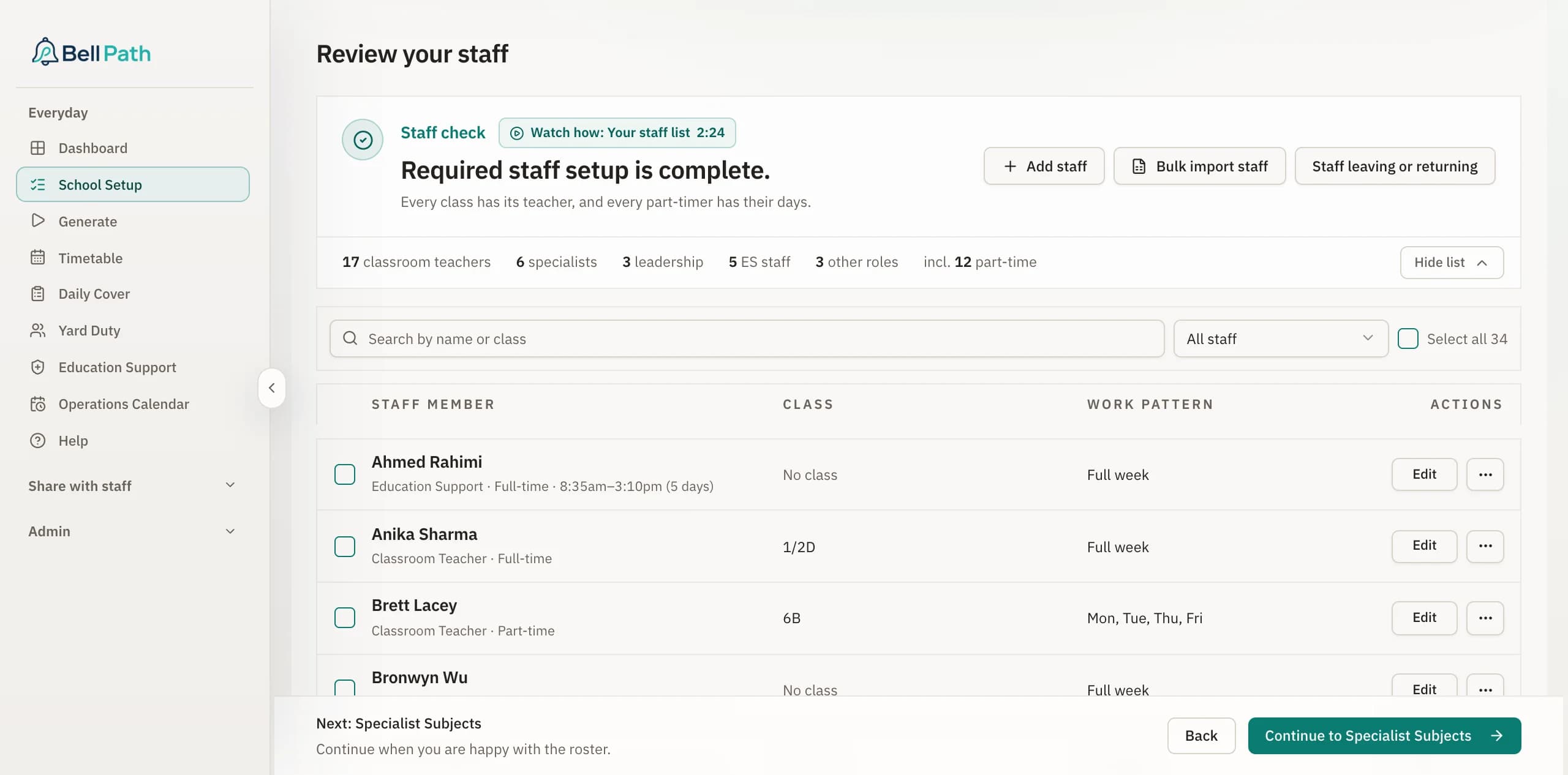
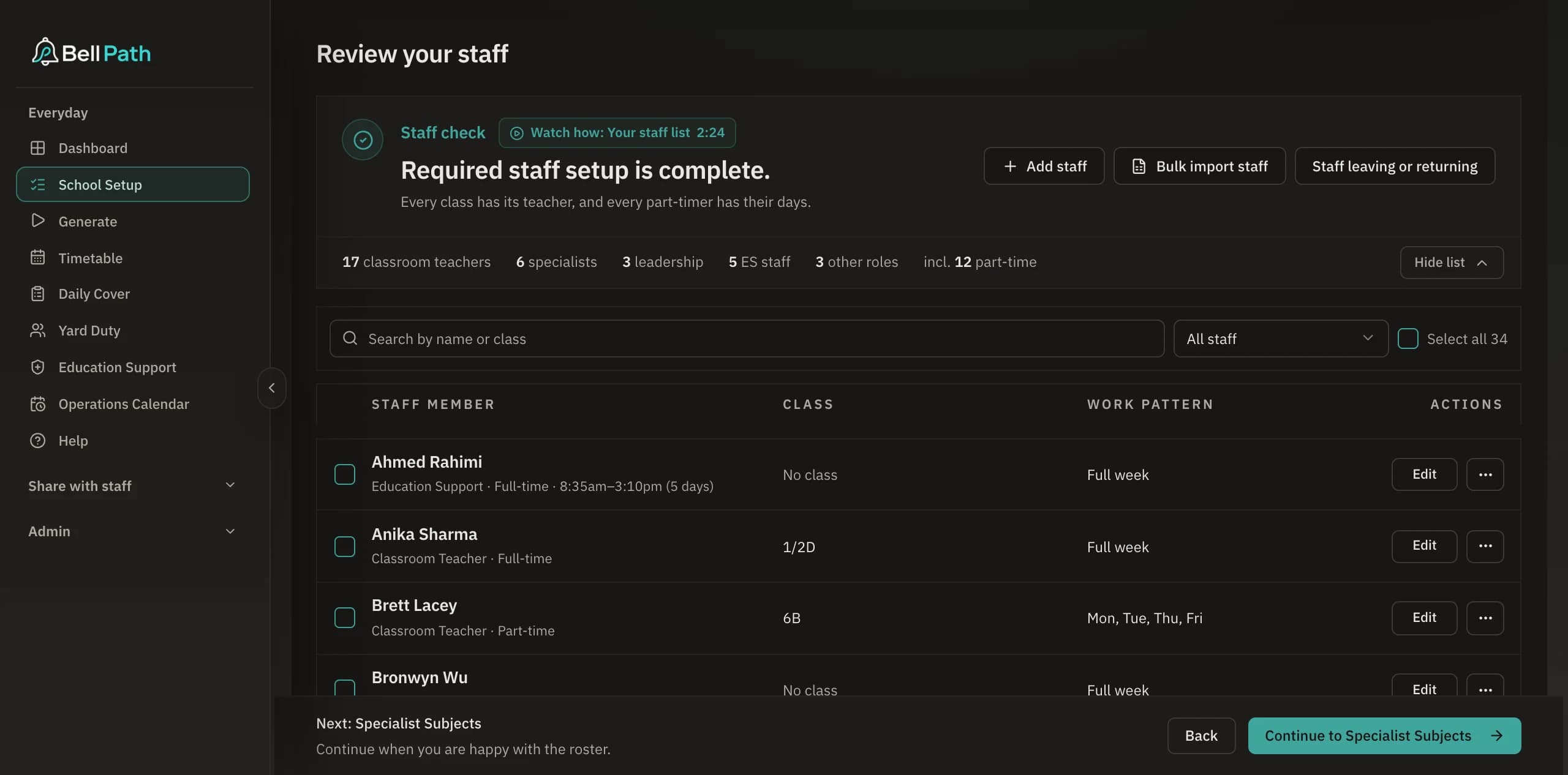
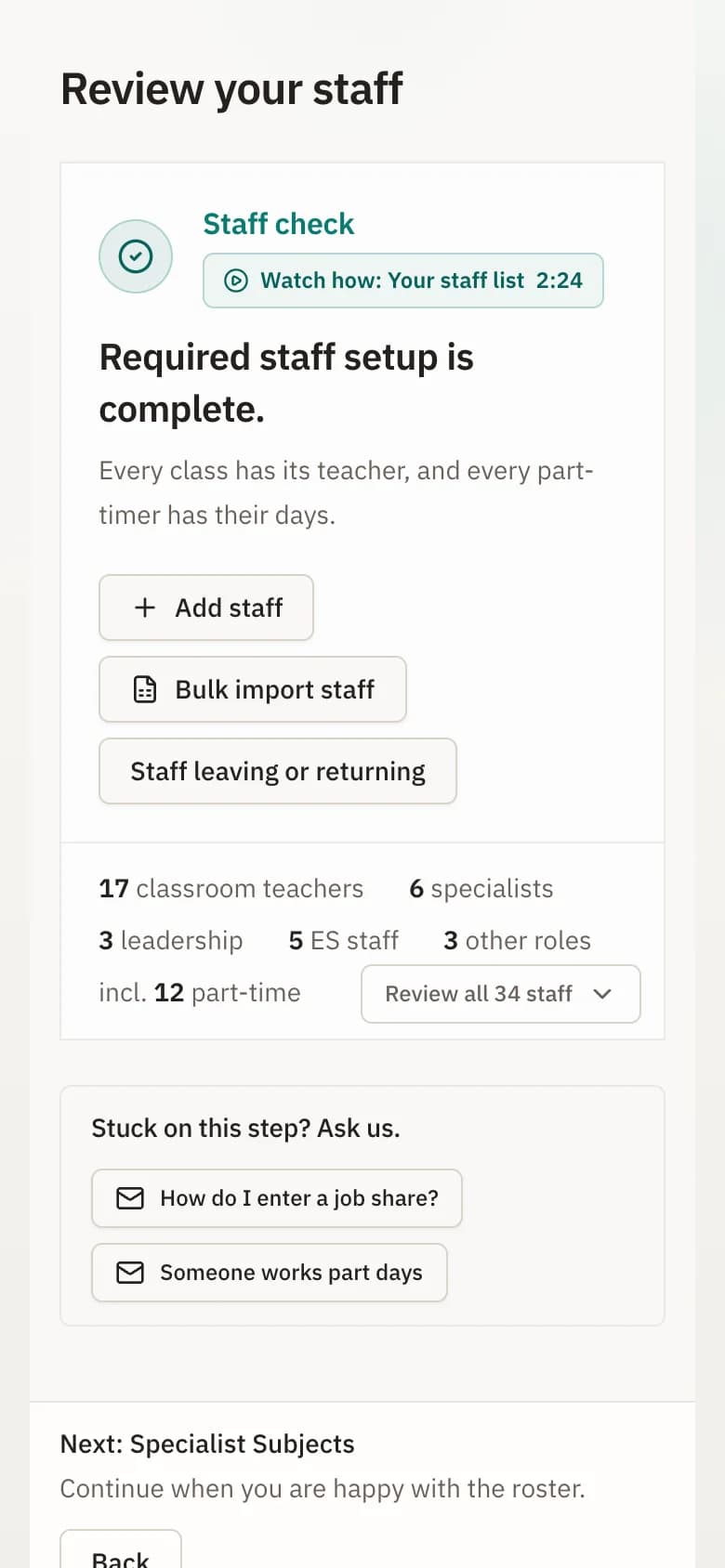
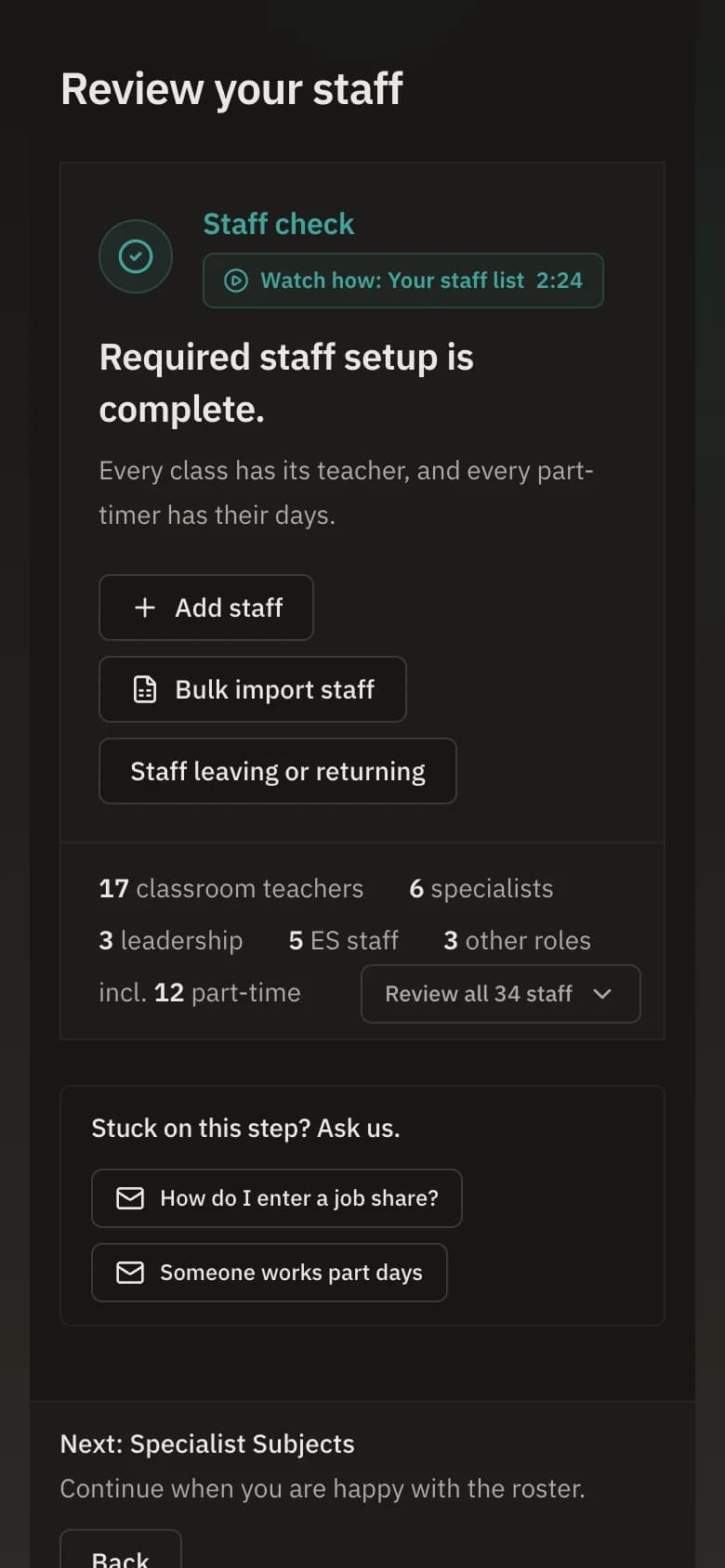
Captured from Bell Path on 9 October 2026. Stringybark Creek Primary School is fictitious and every name is invented. It is a Victorian school, so the screens use Victorian words; your school sees its own state's. Tap a picture to open it full size.
Build the timetable
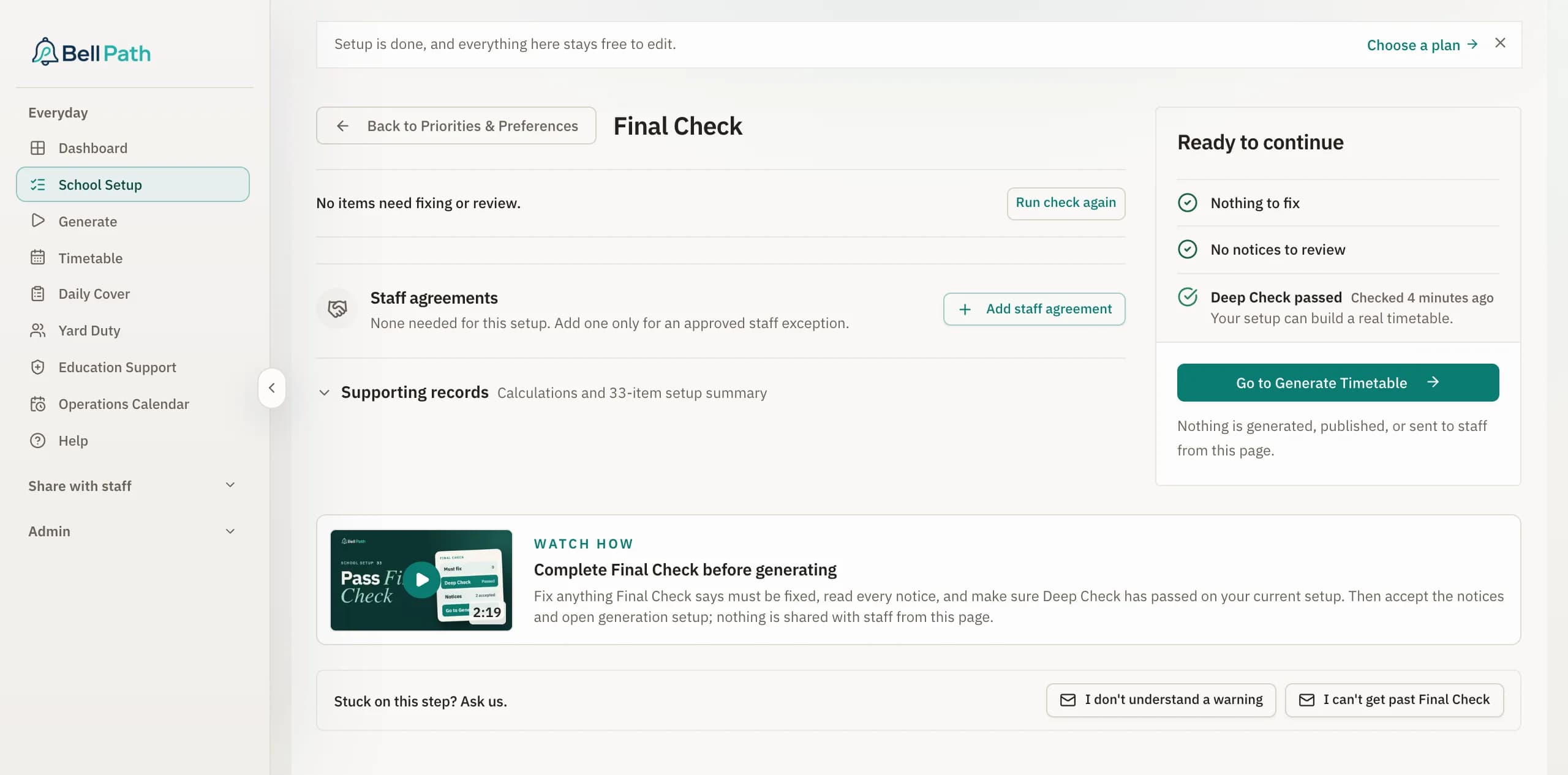
Bell Path builds the timetable and checks it as it goes.
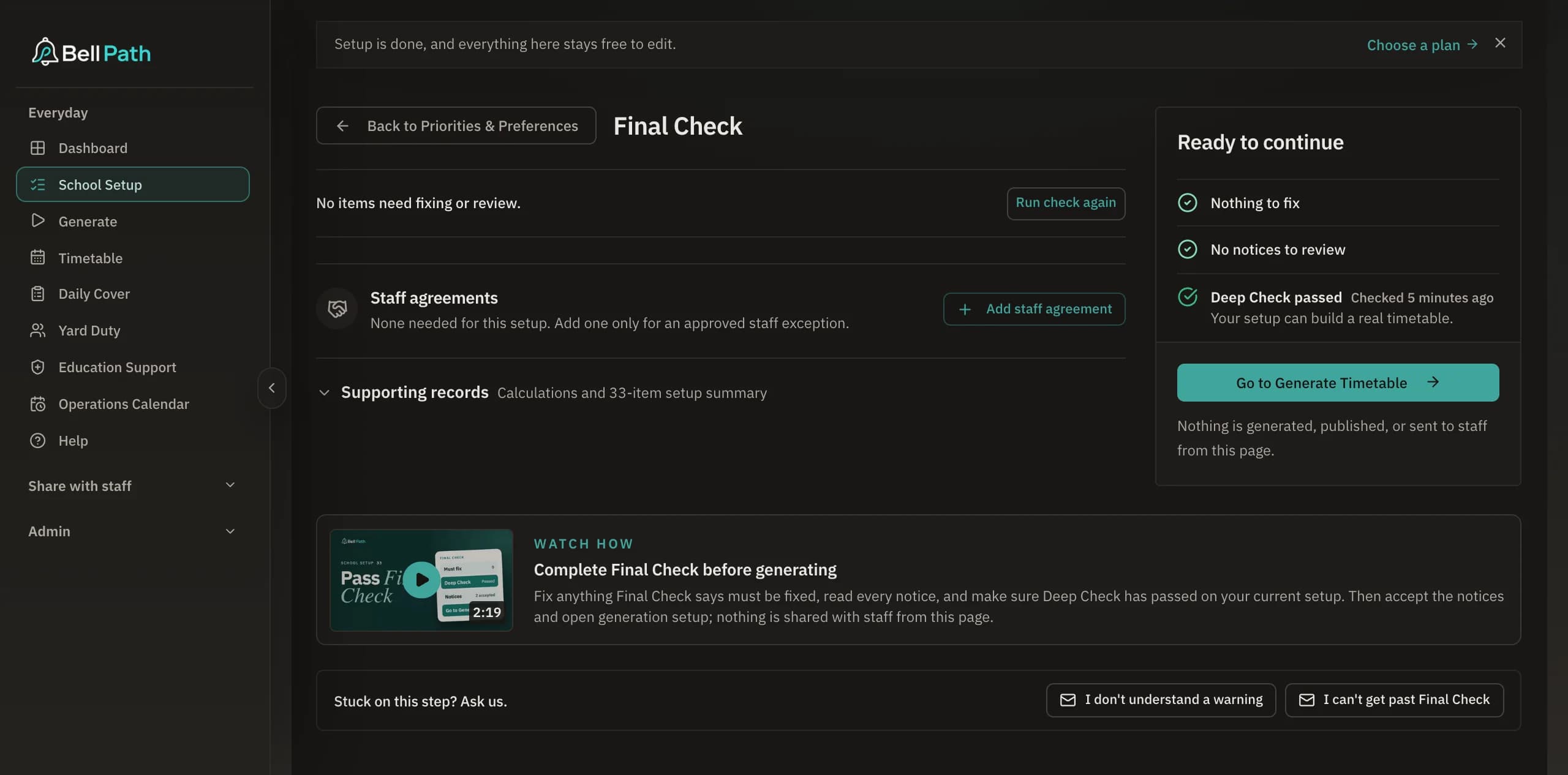
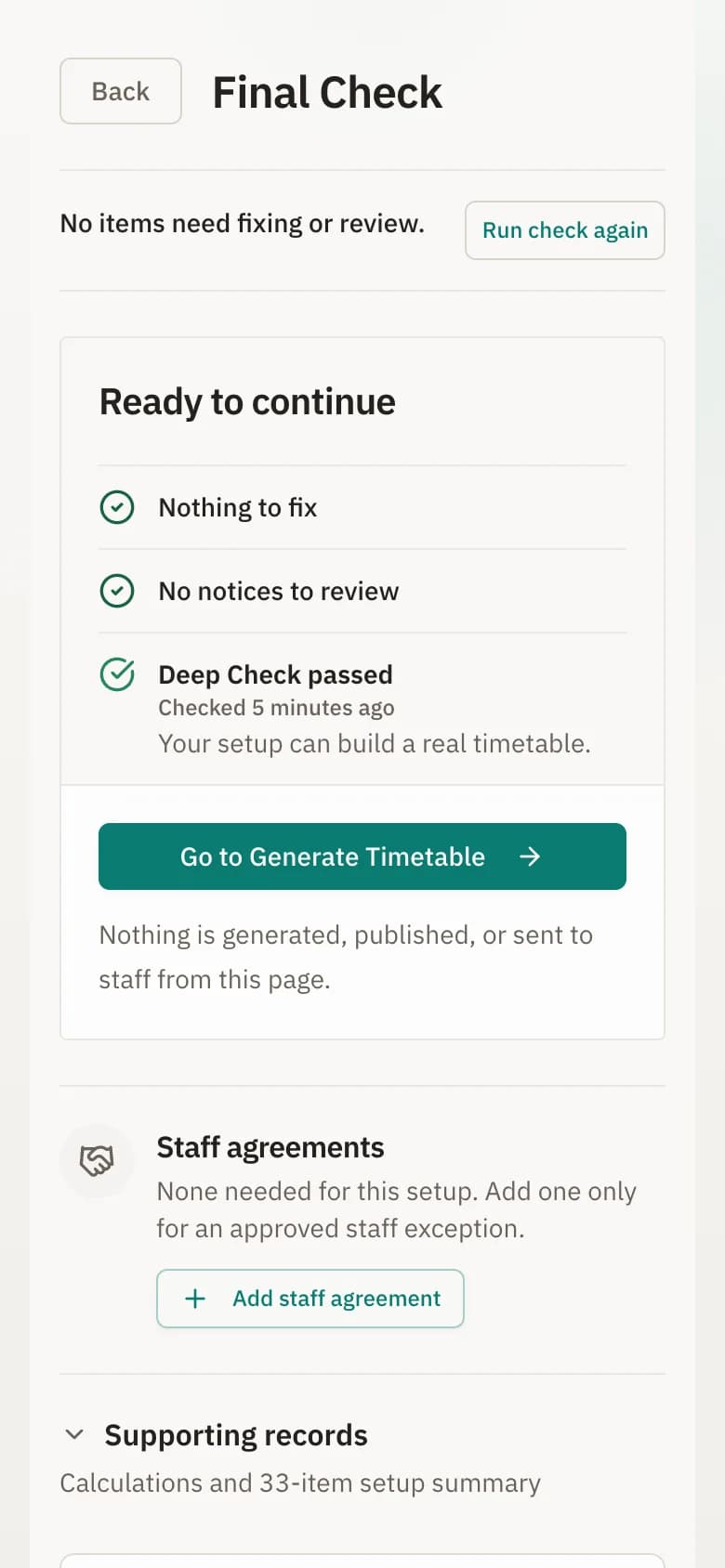
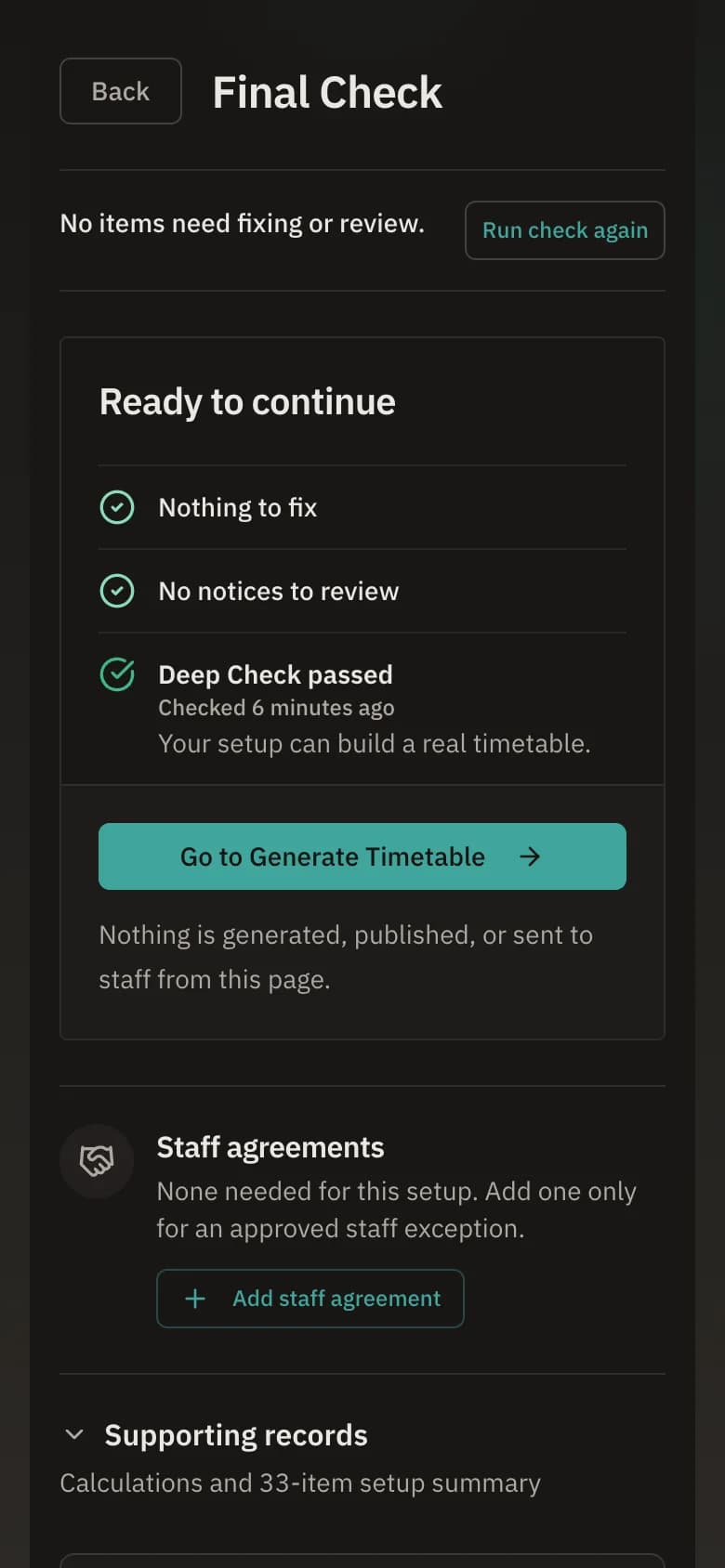
Final Check reads school rules, teacher loads, rooms and timing clashes and lists what it found before you press Build timetable. A small school takes about 6 to 9 minutes to build, and a large one takes longer.
Class and teacher views
One timetable, seen by class, by teacher and as a whole school.
Change the timetable once and every view updates with it.
One class, with the specialist lessons that release its teacher for planning.
This week: Mon 9:50am Visual Arts · Tue 9:50am STEM · Wed 11:15am Performing Arts · Thu 9:50am Italian · Fri 8:50am PE
Choose a day
Session 1
Session 2
Session 3
Session 4
Session 5
Run the duty roster
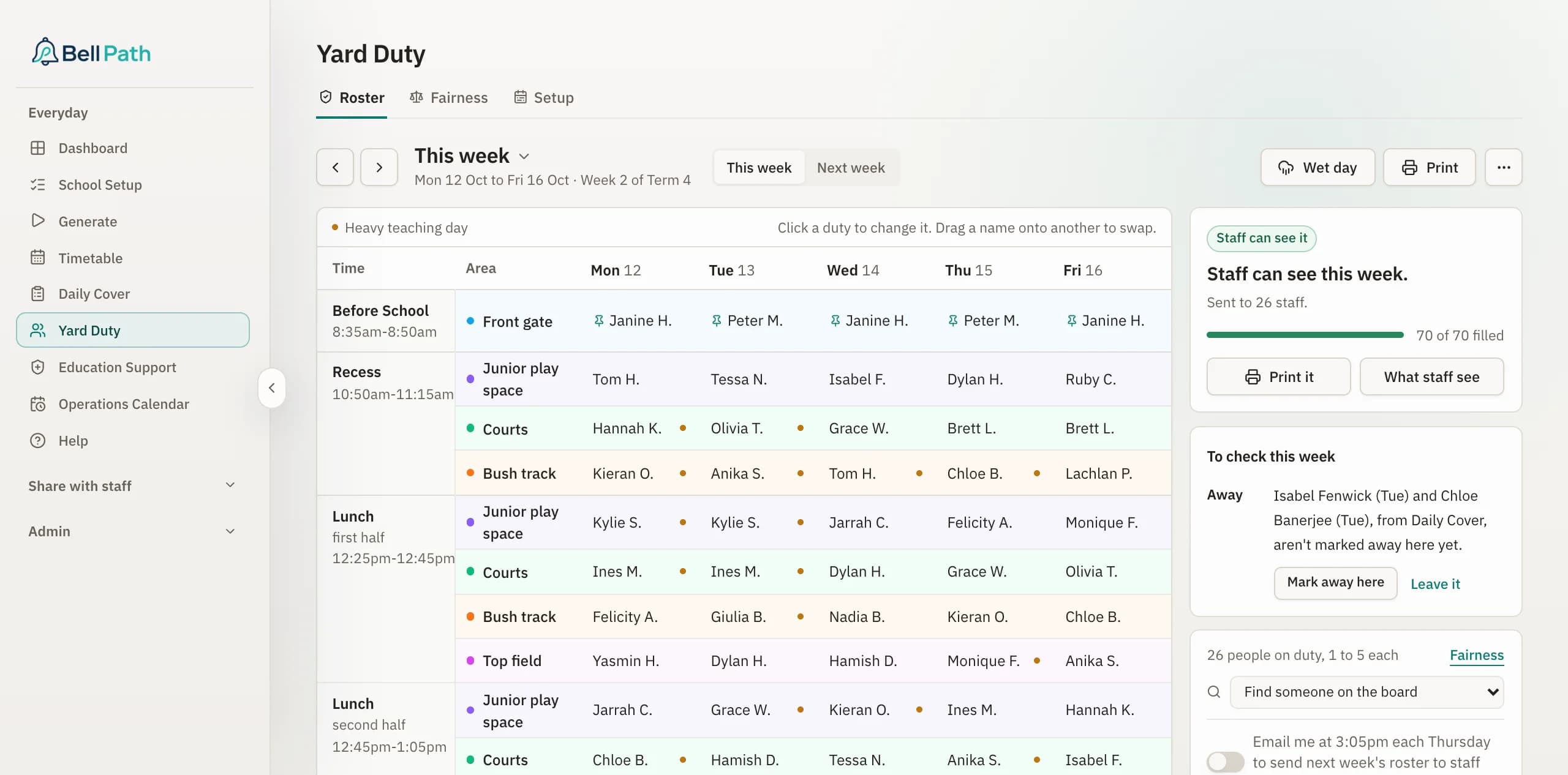
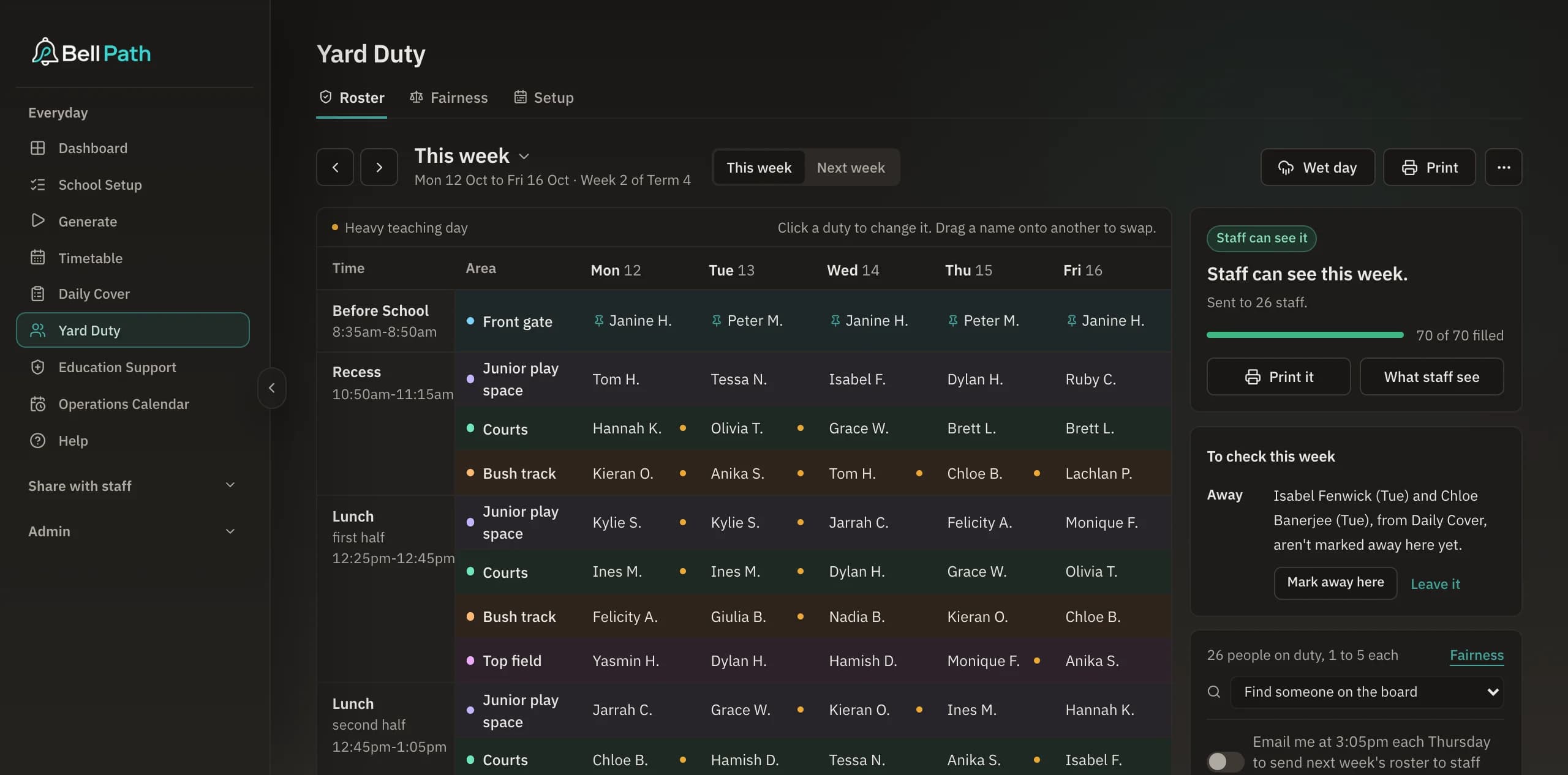
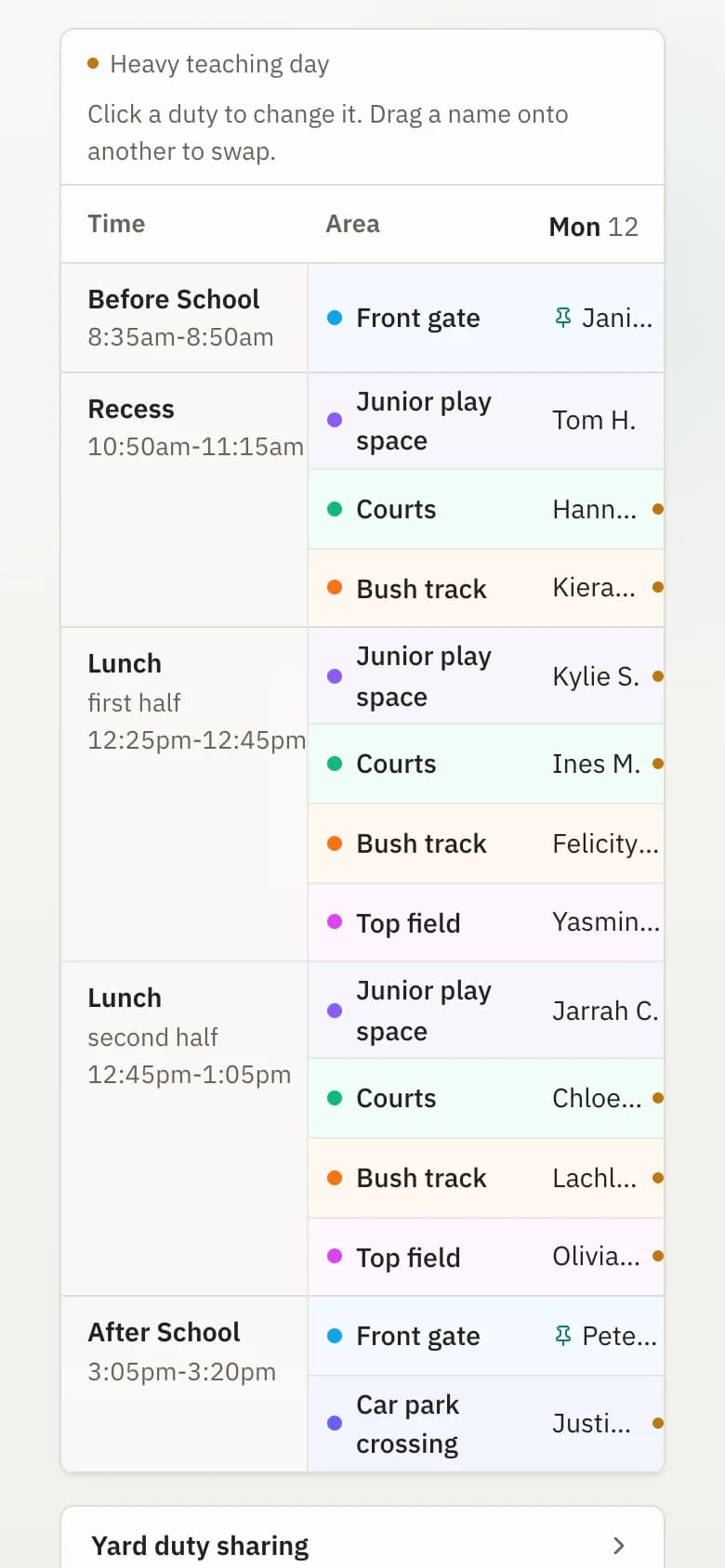
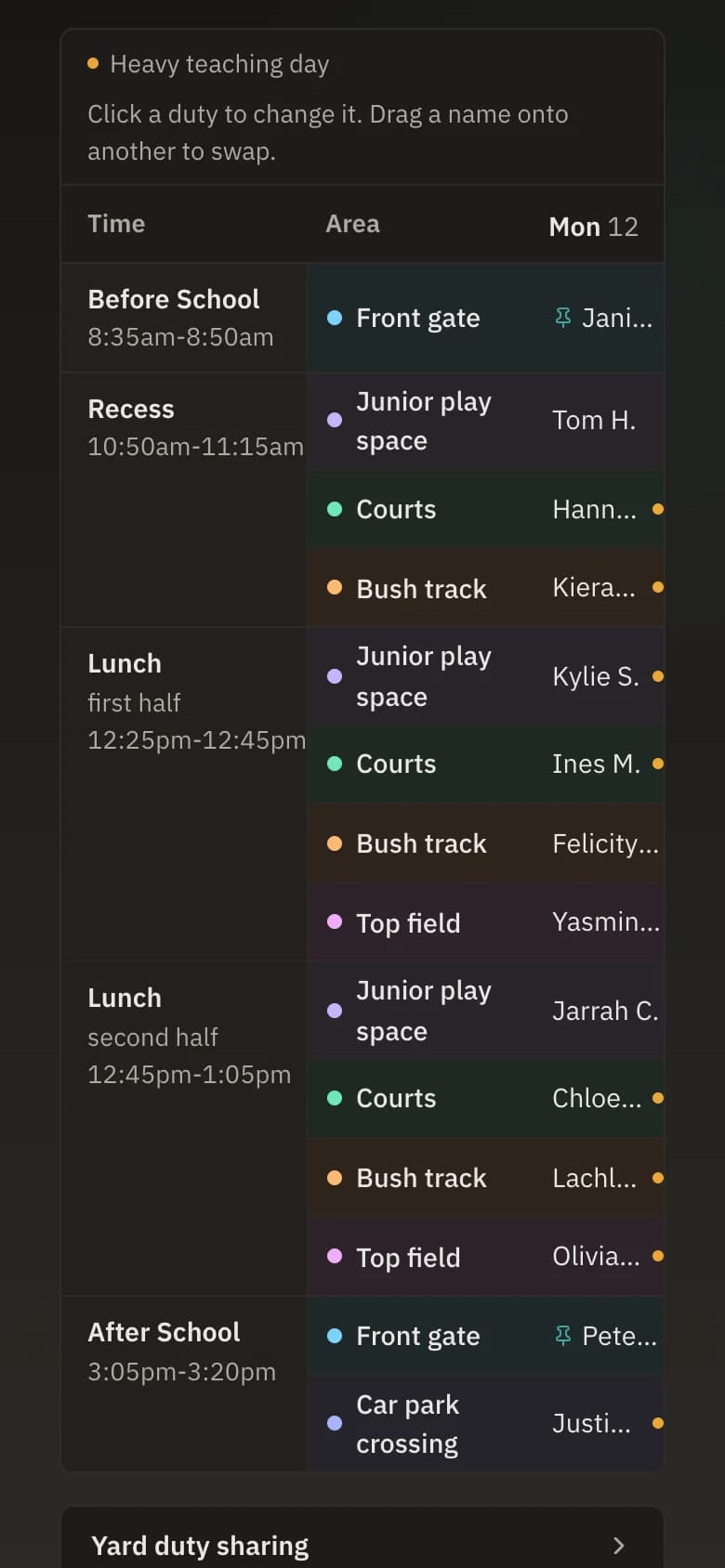
Every swap is checked before you keep it.
Swap any two duties and Bell Path checks the swap against who is at school that day and the one-duty-per-day rule, then either keeps it or tells you what stopped it. Each teacher's yearly share scales with the days they work, so a part-timer never carries a full-timer's load.
Handle daily cover
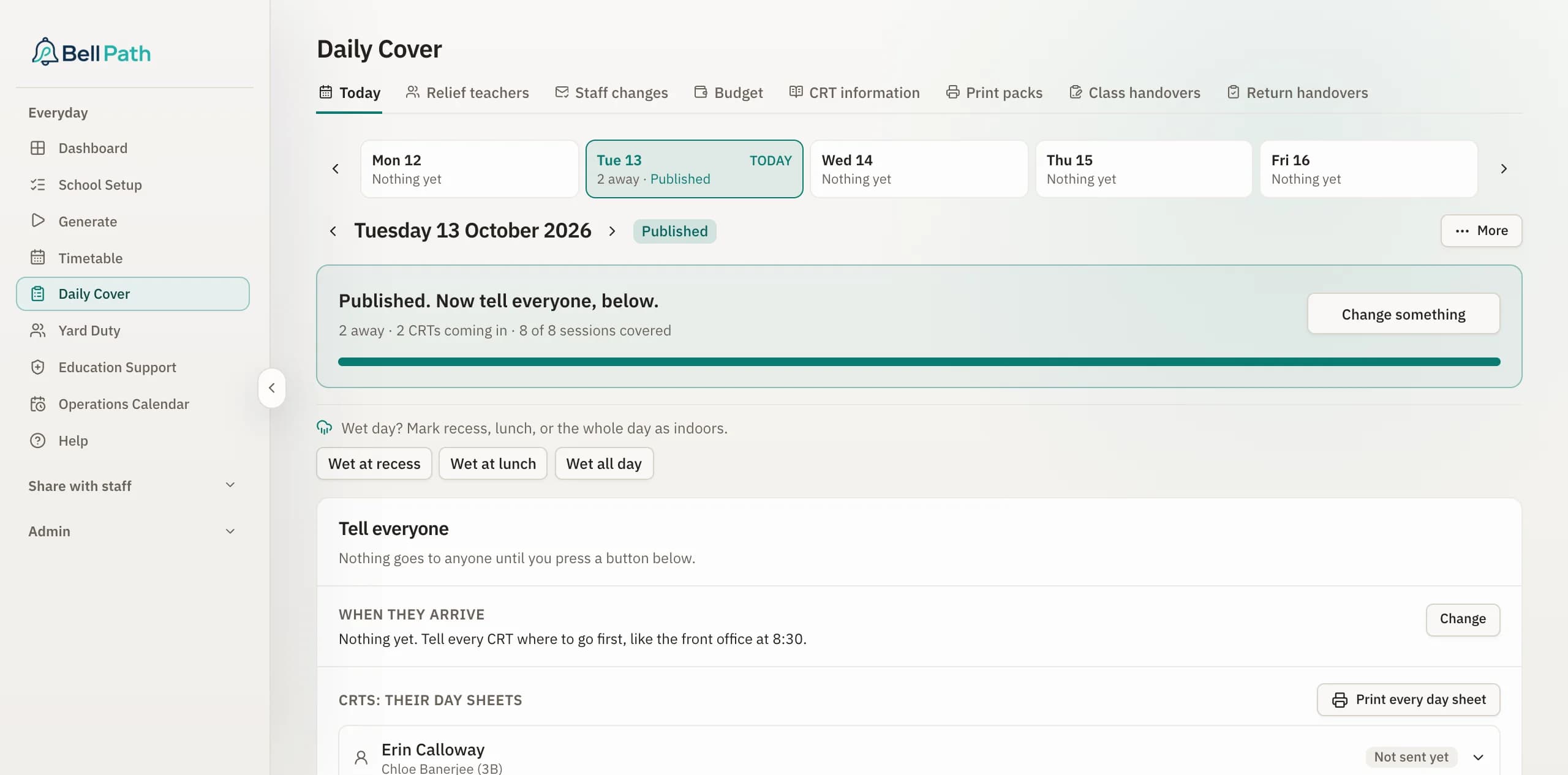
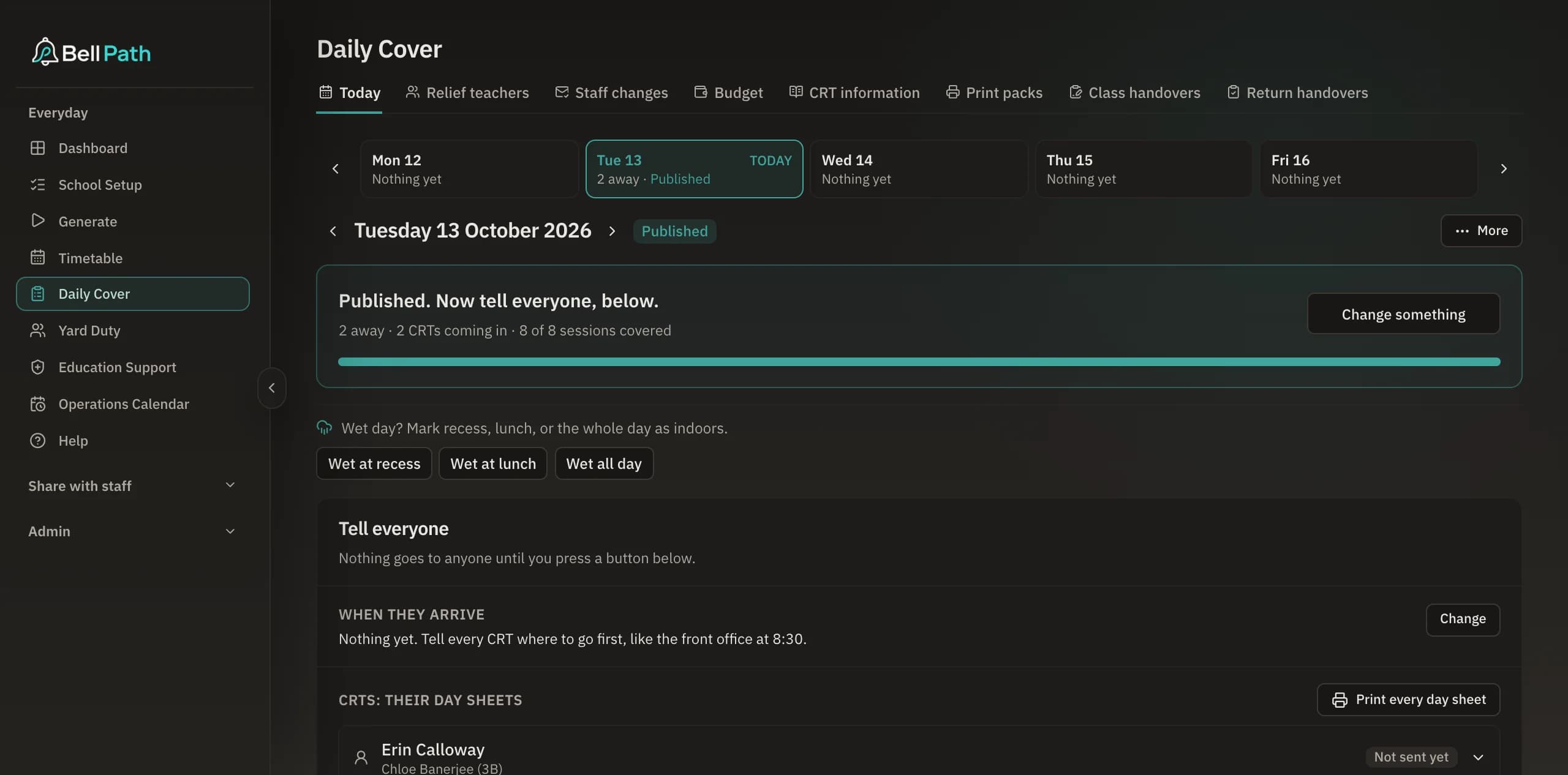
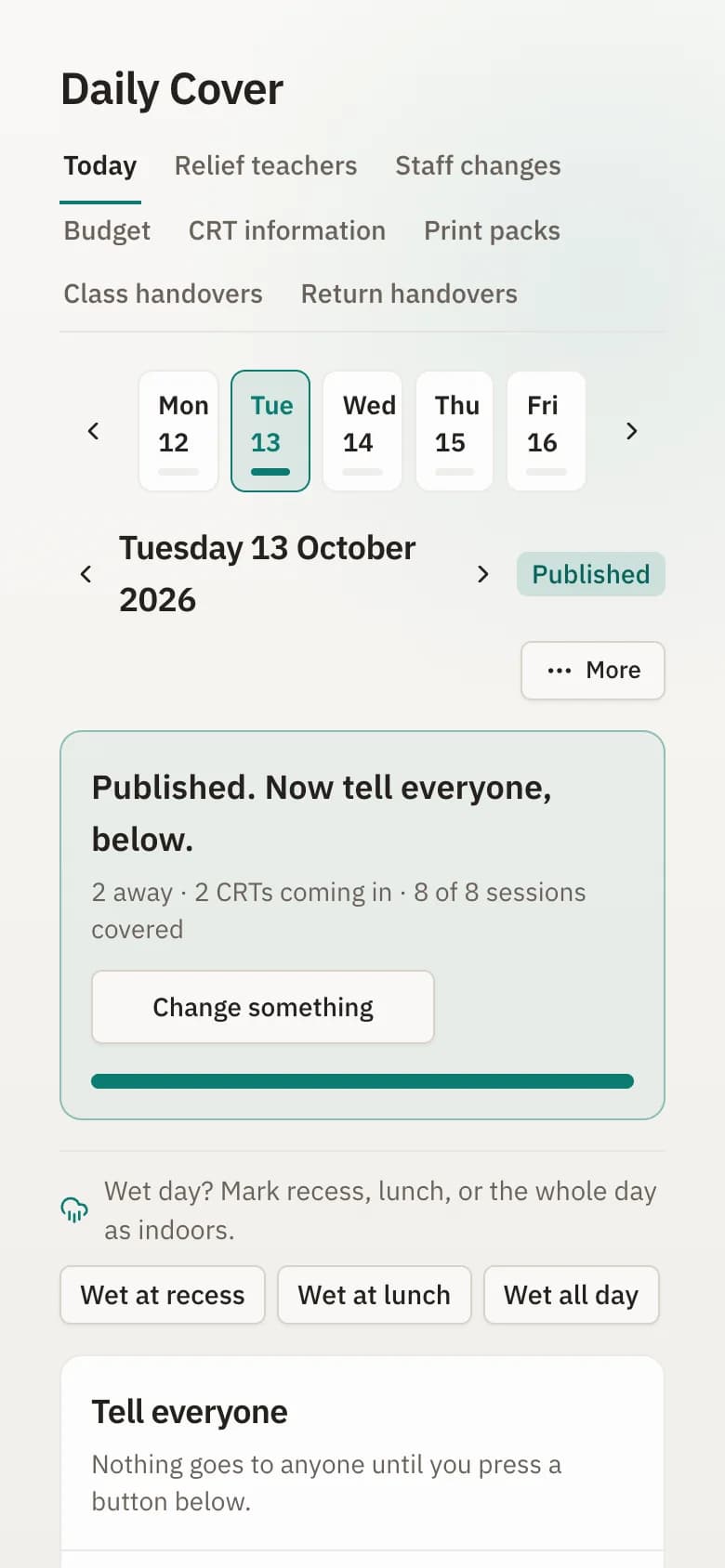
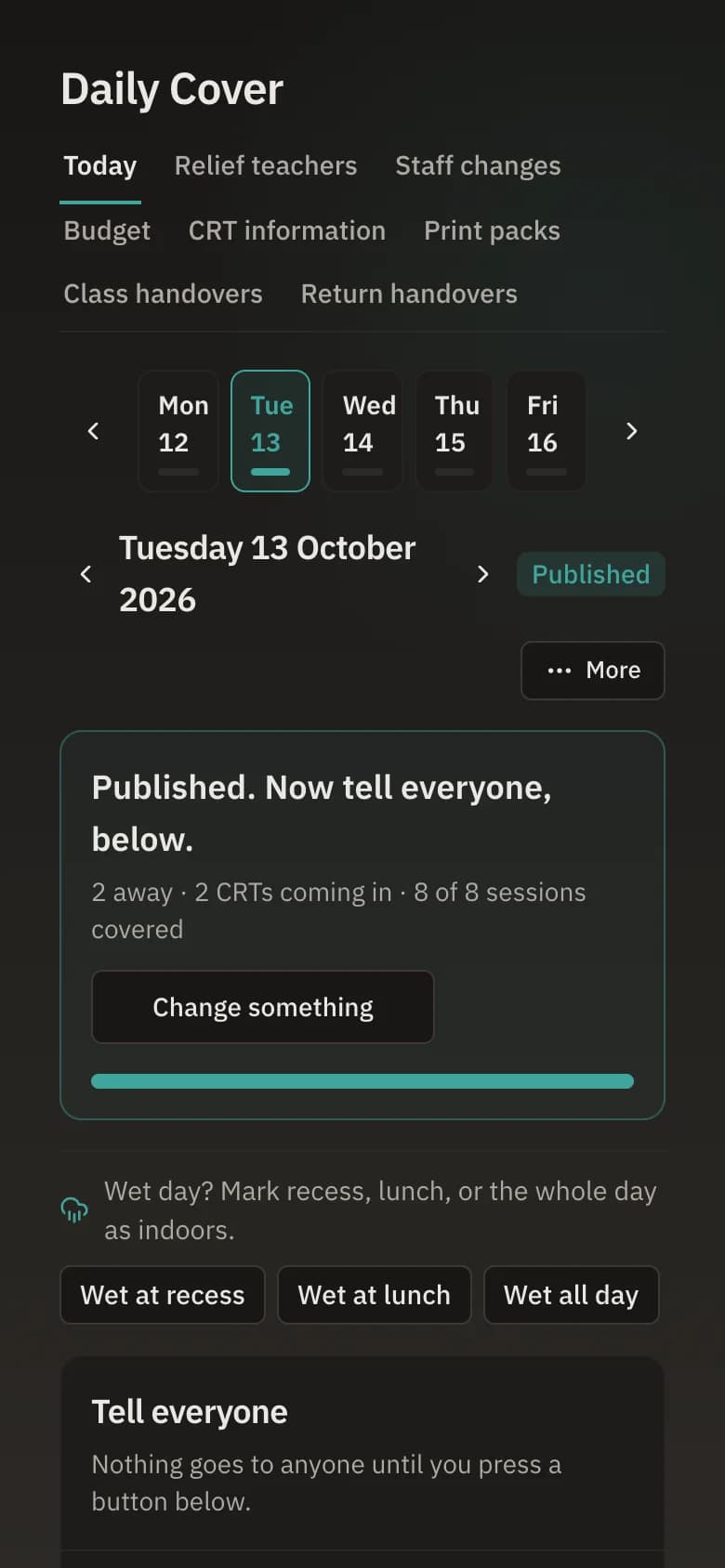
Plan cover when a teacher rings in sick.
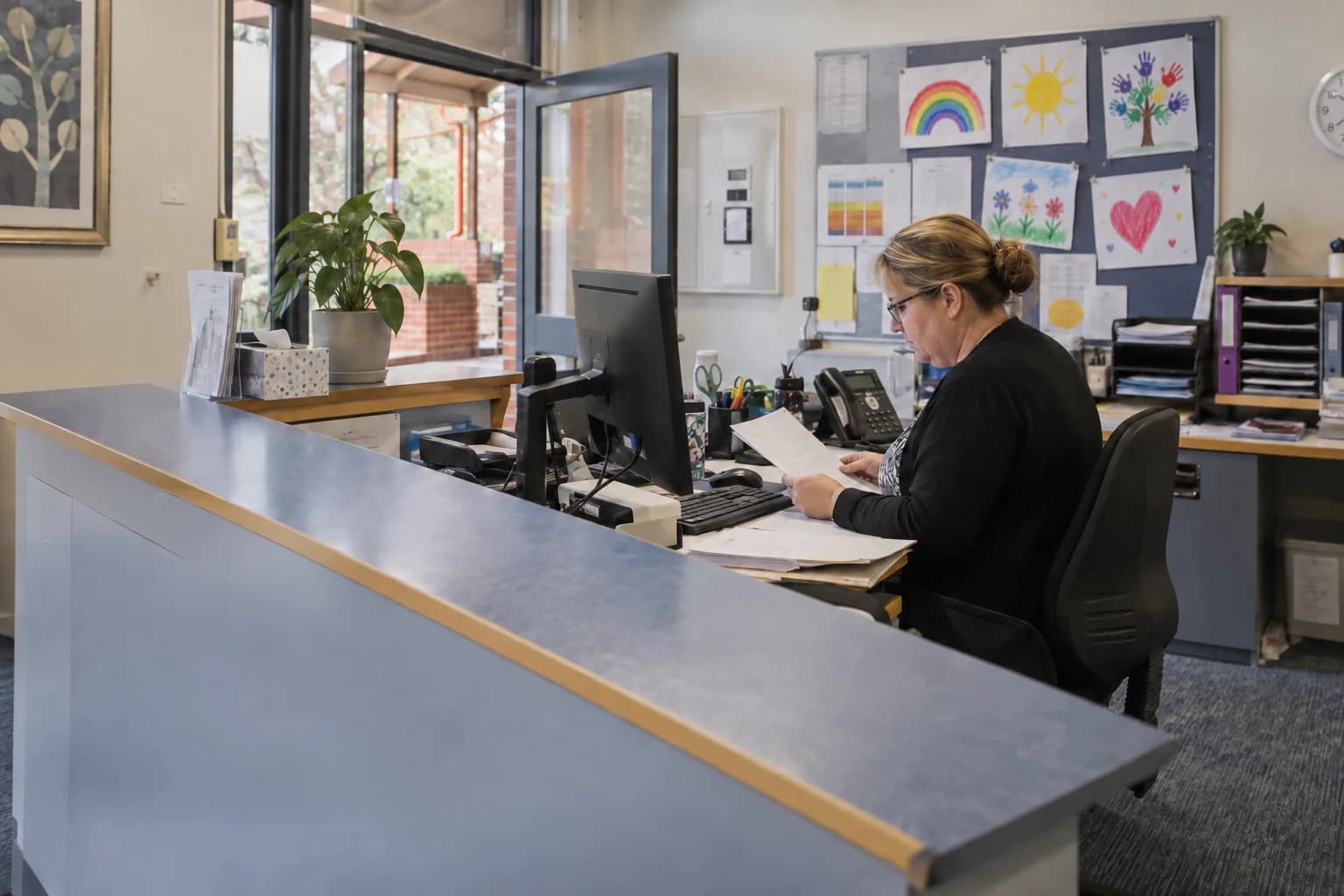
Choose the relief teacher once. Bell Path builds the day sheet, spots the spare slot when the class is with a specialist, and shows which classroom teacher could be released in it. Extra duties and missed planning time are recorded as time in lieu that staff can see.
Three more tools, included in the same subscription.
Operations Calendar
Whole-school events in one calendar. Staff can suggest events, parents get a shareable view, and the staffroom screen shows the day.
Event Timetables
Photo day, swimming rotations and sports stations. Bell Path builds the plan for the day and leaves the main timetable alone.
Staff Portal
Each teacher signs in to see their own week: their timetable, duties, any cover that affects them, and their time in lieu.
What to read next.
Planning stories
Composite examples of common planning situations, not reports from one school.
End of tour
Your timetable, in Bell Path within 48 hours.
Send the file you already have, and build next year’s timetable in Bell Path when you’re ready.