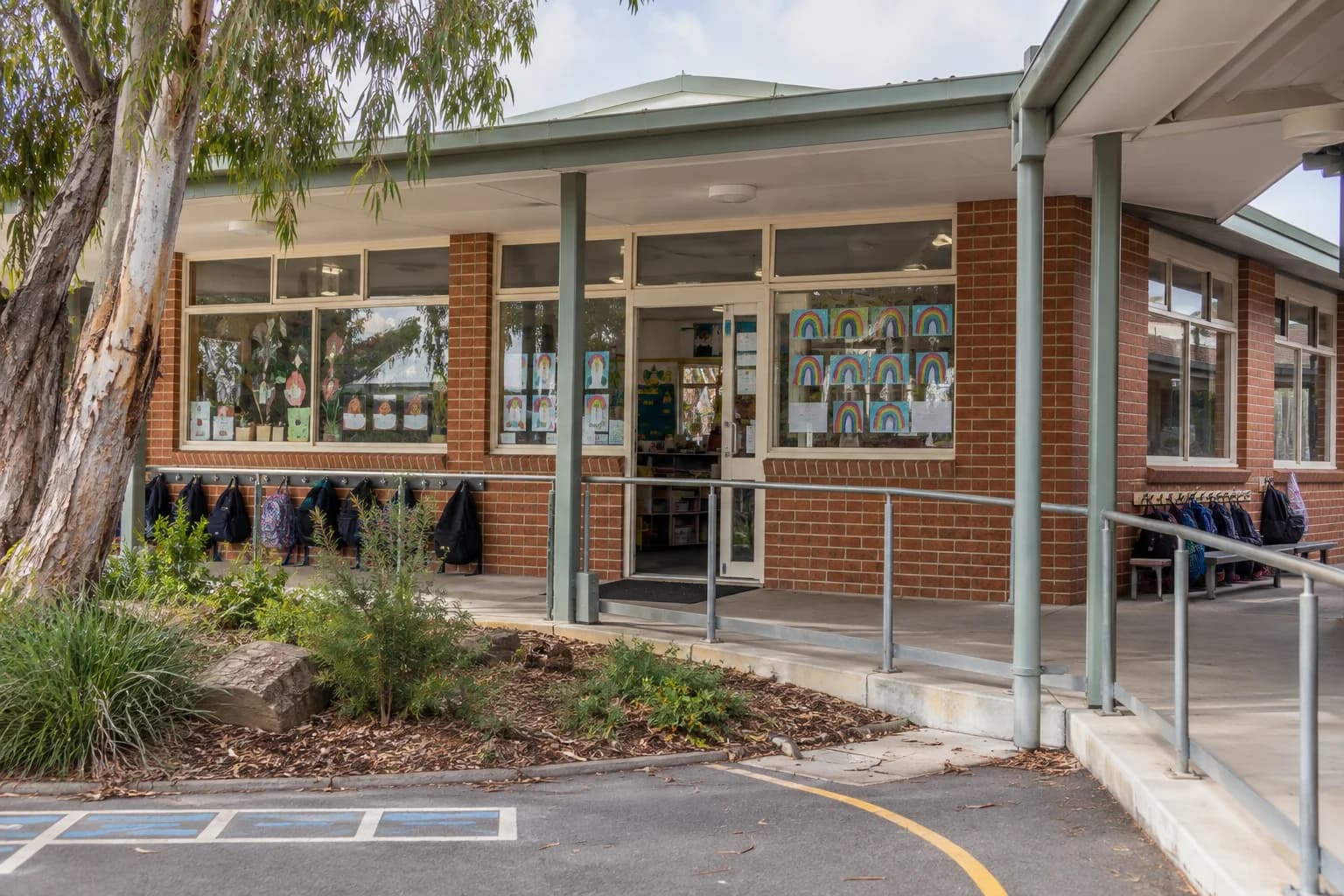
For principals and assistant principals of Australian primary schools
“Hey, sorry, I won’t be in today.”Mrs Wilson’s classes and her oval duty go on the cover list.“Who’s covering 3B?”Miss Kelly, the relief teacher, all day.“Nobody’s on the oval.”Miss Kelly has the 1:15 oval duty, and it’s on her day sheet.
Bell Path builds your school’s timetable, or loads the one you have, and runs cover, yard duty, education support and the staffroom notice from it.
We load the timetable you already have within 48 hours. Then cover for absent teachers, staff duty rosters and the rest of the week-to-week tools are free for two weeks. After that, a subscription keeps them going. No timetable yet? Build one in Bell Path.
Watch Bell Path build a timetable (a real recorded run, 45 seconds).
What happens when a teacher is away.
Mrs Wilson is sick on Tuesday and the office enters it once. This is what everyone else sees, from the first phone call to the home bell.
- 7:40 am
The office
Marks Mrs Wilson away.
Bell Path reads her Tuesday and lists what needs cover: four lessons and her lunch duty. LOTE needs nothing, because Mrs Brown has the class.
- 7:45 am
Miss Kelly, relief teacher
Gets her day by text.
The school has booked her. One link opens 3B’s day on her phone: the times, the room, who to ask, where to report and Mrs Wilson’s lunch duty. She needs no account and no app.
- 8:10 am
Mrs Wilson, at home
Sees who has her class.
Her staff portal shows what is covered while she is away, so nobody has to ring her back.
- 8:55 am
Ms Lee, education support
Follows her own day page.
Her support time in 3B is on her phone with no login. If the office moves her to cover someone, the page tells her. Students show as initials.
- 1:15 pm
Everyone on duty
It rains, and the duty plan moves inside.
One switch turns the lunch roster into the wet day plan. The same people on the yard go to their indoor areas.
- 3:00 pm
Mrs Wilson
Hears how the day went.
Miss Kelly leaves her an end-of-day note on how each session went, written or as one voice message.
An example day with made-up names. Each step is something Bell Path does today.
See how Daily Cover worksSend us the timetable you already have.
A Word table, a spreadsheet, a PDF or a photo of the printed one. We load it into Bell Path by hand, so you don’t retype a thing, and email you when your week is in.
Make your account
About a minute. No payment details.
Send your file
Up to 10 files. Add a note about job-shares or anything unusual.
Your week is in
Within 48 hours. Daily Cover on it is free for two weeks.
In Bell Path
Example · Class 3B
Who is behind Bell Path.
Who loads your timetable
James Hooke
James owns Bell Path. When you send your timetable, he loads it himself and answers hello@bellpath.com.au too.
Seven tools that work from one staff list.
You enter your staff, classes, rooms and school agreements once. Every tool below works from that same list, so a change in one place is already known everywhere else.
A timetable has to keep every part-timer's days, every specialist rotation, every meeting and every planning-time entitlement correct at the same time, and changing one affects the others.
On a spreadsheet
5 cells to find and fix| Row | Mon | Tue | Wed | Thu | Fri |
|---|---|---|---|---|---|
| 3B teacher | Wilson | Wilson | Wilson | Wilson | Wilson |
| Planning | Wilson | Wilson | Wilson | Wilson | Wilson |
| Lunch duty | White | Wilson | Park | Ryan | Wilson |
- Thursday and Friday still say Wilson, so you retype them.
- Her planning time still counts five days. You recount it by hand.
- She is still on Friday’s lunch duty, on a different sheet.
- Moving a specialist to fit Mr Taylor can knock another class. You check them all.
In Bell Path
One change, then build again| Row | Mon | Tue | Wed | Thu | Fri |
|---|---|---|---|---|---|
| 3B teacher | Wilson | Wilson | Wilson | Taylor | Taylor |
| Planning | Wilson | Wilson | Wilson | Taylor | Taylor |
| Lunch duty | White | Wilson | Park | Ryan | Flagged |
- You set her days to Monday to Wednesday and give 3B to Mr Taylor.
- Bell Path rebuilds the week and moves the specialists around both teachers.
- It shows you the new week with no clashes and planning time for every teacher.
- The duty roster flags Friday: “Mrs Wilson does not work on Friday.” You pick who takes it.
Build 2027’s timetable in Bell Path.
Already running a timetable? Send it to us and run your mornings on it now. When you build 2027’s, Bell Path starts from the staff and classes it already has, so you begin from your school, not a blank page.
- Setup ~1 hour
Enter how your school works.
Add your classroom teachers, specialist teachers, classes, rooms, meetings and the unwritten agreements that make the week work. Bell Path keeps all of it for every timetable after this.
Staff23 of 23Wilson Class 3B Mon · Tue · Wed Taylor Class 3B Thu · Fri Jones Music Wed · Fri + Add staff - Same day ~1 hour
Build, review and publish.
A small school builds in about 6 to 9 minutes, and larger schools take longer. You then check the teacher, class and room views, and Bell Path shows any clashes before you publish.
Build timetable · Term 2 v3Complete0clashes- Staff
- 23
- Classes
- 18
- Meetings
- 9
Review & publish - Later Minutes
Change one detail and build again.
When a staff member, room, meeting or rule changes, Bell Path rebuilds from what it already knows about your school.
Change · staffv3 → v4Jones moved to Thursdays
Affected: 8 sessions · 4 classes
RebuiltRepublish
Watch Bell Path build a timetable
A real recorded run for Stringybark Creek Primary School, replayed in 45 seconds. You see every timetable Bell Path found as it searched, from its first to its best.
One school subscription, from $679 a year.
Your price depends on school size. Every plan includes the full product, with no charge per staff member and no setup fee. Daily Cover on the timetable you send is free for two weeks, and you can set up your school and preview the timetable Bell Path builds before paying.
Bell Path needs to save less than an hour a week to pay for itself, for a school of up to 450 students. See how it adds up
For up to 100 students
Prices in AUD. No GST is currently added. Annual prices range from $679 to $12,599, based on enrolment, classes and teaching staff. Termly billing costs more over four terms. See the price for your school on the pricing page.
What principals ask before they sign up.
“Our school is too unusual for this to work.”
Job-share pairs, specialists who also teach a class, time in lieu and rules that differ by year level are all handled today. If you build your timetable in Bell Path, checkout only opens once Final Check has confirmed your setup can build it, so if your school does not fit, you find out before any money changes hands.
“We already use Compass. I'm not replacing everything.”
You are not meant to. Compass and Sentral record who’s away and who replaces them. Bell Path builds your specialist timetable around planning time, gives the relief teacher their whole day on their phone, and keeps yard duty fair, all from the same week.
“I don't have time to set up something new right now.”
You don’t have to. Send us the timetable you already run and we load it within 48 hours, with your staff and classes. Daily Cover works on it from the day it’s in, and building next year’s timetable can wait until you’re ready.
Three things Bell Path does not do.
It is not for secondary schools.
Secondary timetabling is a different problem with different staffing and subject lines. We have not solved it, and we do not claim to.
It cannot guess your unwritten agreements.
To build a new timetable, someone who knows how the school really runs has to sit down for about an hour and enter them. No import can do that part for you.
It will not quietly publish a broken timetable.
If what you have asked for cannot be scheduled, Bell Path stops and tells you why, instead of handing back something that looks finished and is not. That does mean some schools need to relax a rule before a timetable will build.
A printable pack for your principal to approve.
Bell Path · school approval pack
For the principal’s desk
Where school data is kept.
Bell Path is an Australian business run from Victoria, and its servers are in Australia, in Melbourne and Sydney. Email, text messages, payments, sign-in and the optional AI features come from separate companies, which may process limited information outside Australia.
Who handles it, and the risks.
It lists the data Bell Path holds, the companies that process it, how public links are limited, where to get support and the risks the school should weigh up.
It keeps student data to a minimum.
The timetable does not need student names at all. Where Education Support records name a student, an initials-only setting limits what appears on screen and in print.
How Bell Path compares.
Side-by-side comparisons with other timetabling tools, including where another tool is the better choice.
See all 12 comparisonsYour timetable, in Bell Path within 48 hours.
Send the file you already have. Daily Cover on it is free for two weeks, and building next year’s timetable is there when you’re ready.