

A school timetable generator that checks the week before staff see it.
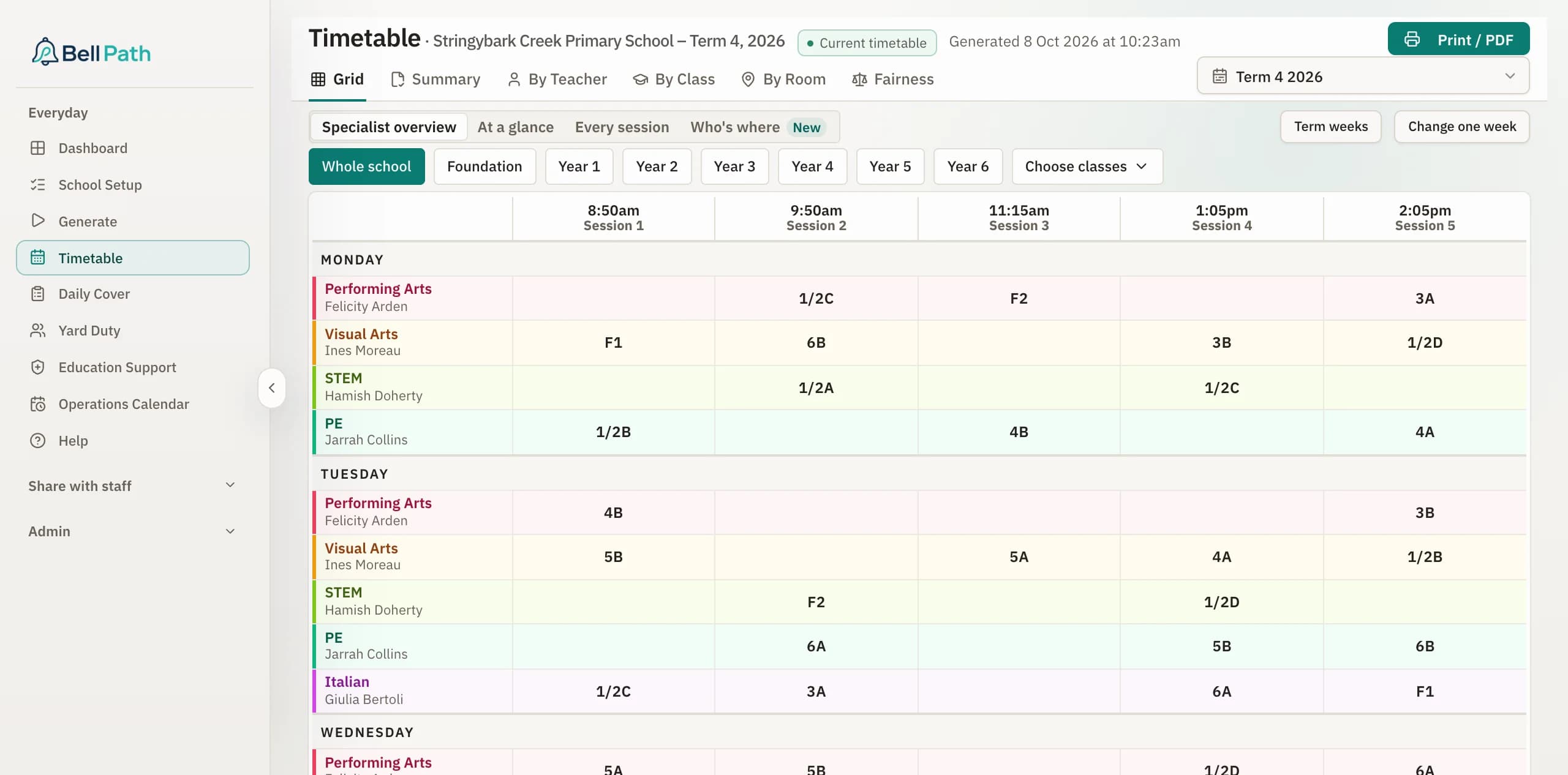
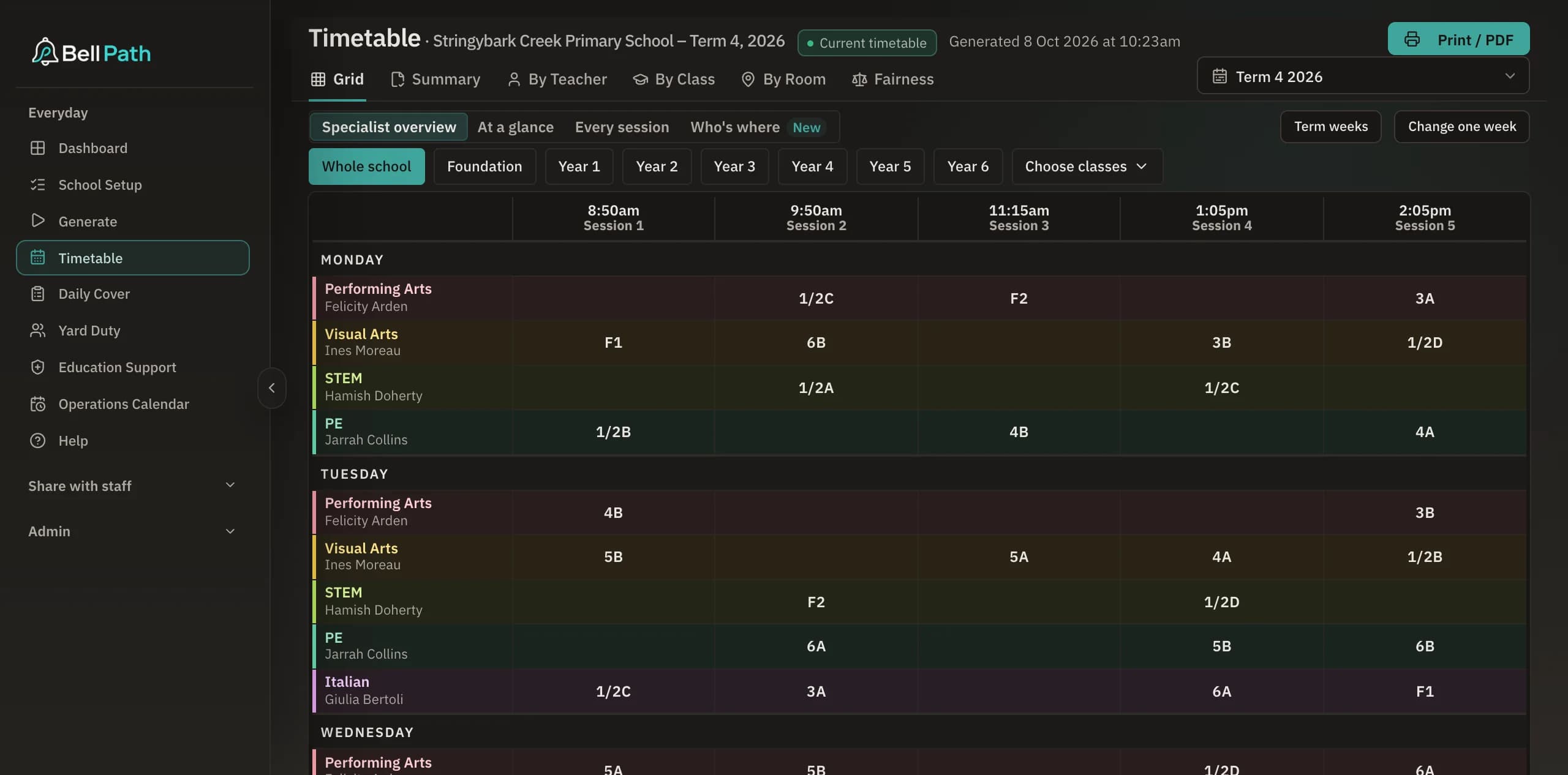
Bell Path builds a primary school timetable from the details you give it: staff, classes, part-time days, planning time, meetings and rooms. It then checks the result and shows you what it could and could not fit.
Already run one? Send the file and it is in Bell Path within 48 hours, with Daily Cover free for two weeks.
Checked before publishing
Sample timetable · generated
14
Classes
34
Staff
332
Sessions placed
59
Planning sessions
Every classroom teacher gets their planning time
17 of 17
No teacher or room double-booked
332 checked
Yard duty rostered from the same week
70 of 70 duties
Fictitious school · real Bell Path output
You want the whole week built, then checked before anyone sees it.
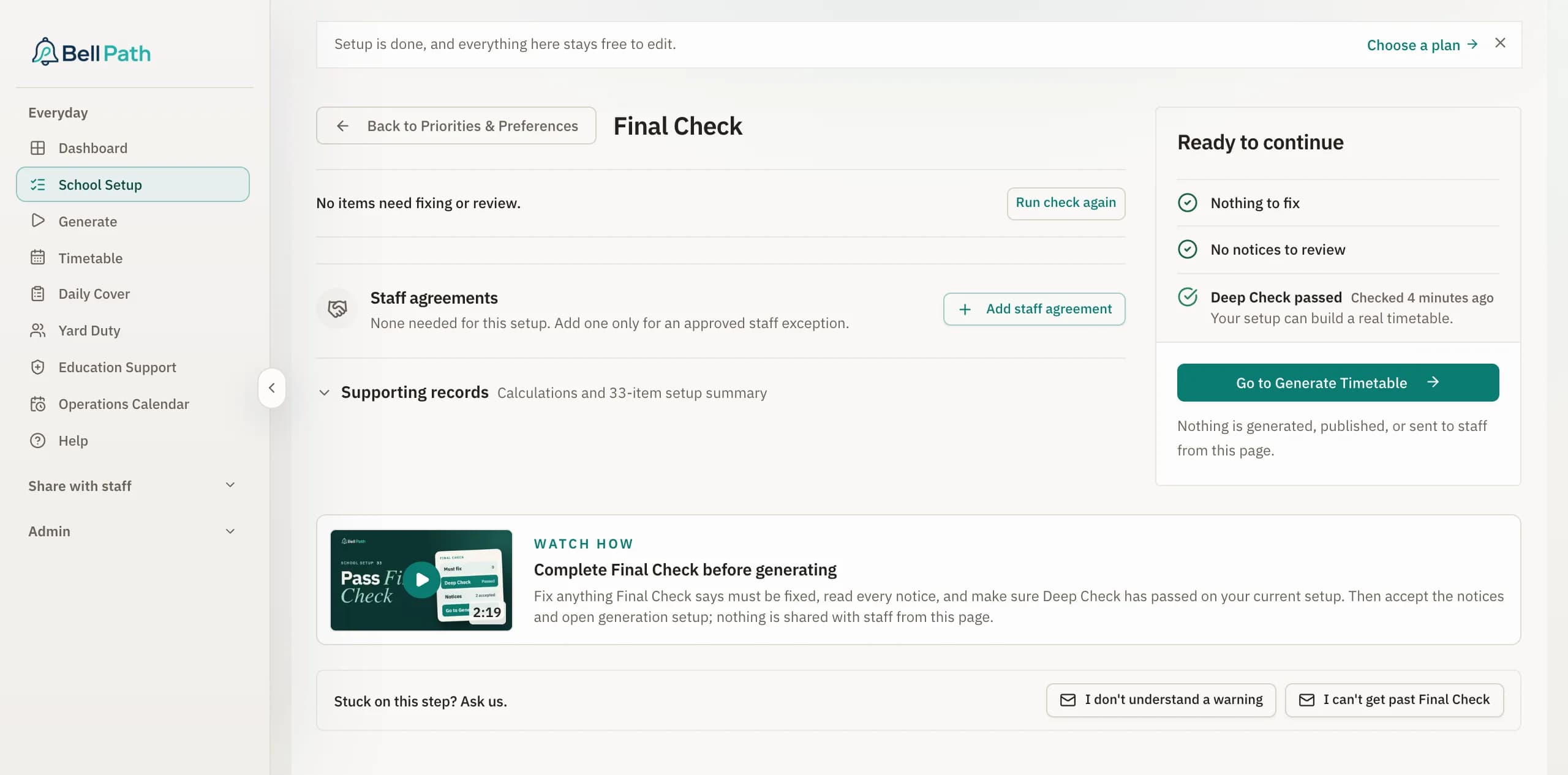
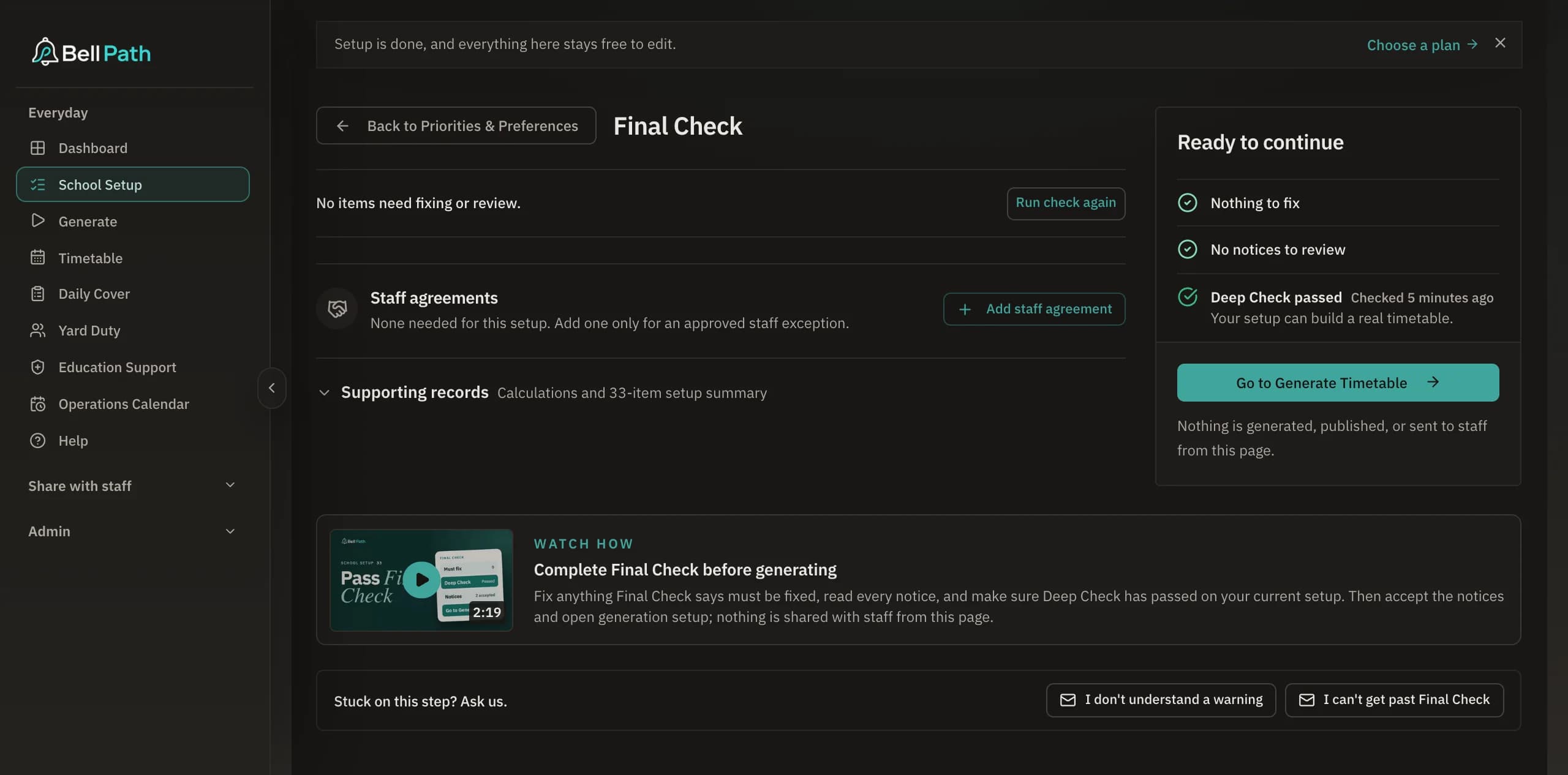
Bell Path checks that every teacher has their planning time, every part-timer is on a day they work, and no room is booked twice.
The hard part of a school timetable is keeping everything true at once: part-time days, job-shares, specialist rotations, meetings, room limits and planning time.
With Bell Path you describe the school in plain-language steps. It builds the timetable, checks it against everything you entered, and shows you what it could not fit. You can save versions, compare them, and publish teacher and class views when you are ready.
Building 2027’s timetable? Set it up once and Bell Path remembers your school for every timetable after it. The same timetable then runs your mornings: daily cover, yard duty and the staffroom notice.
Need to release a teaching team together? See the worked specialist timetable example to check how classes, specialists and rooms can line up in the same session.
What goes wrong without it.
One staffing change means rebuilding the whole week and sending another "please ignore the last version" email.
Important agreements live in your head or in side notes instead of in the system.
The timetable looks finished but still hides a clash, a missed planning session, or an unfair spread of work.
What Bell Path does.
What it handles
- Part-time teachers, job-shares, and specialists who also teach a class
- Planning time, meetings, room limits, and fixed school events
- A check of every rule before you publish, with each problem named
- Weekly or fortnightly timetables: a subject or meeting can run in Week A, Week B or both, and planning time is checked in both weeks
- Saved versions, so you can compare drafts and go back
- Printable and emailed timetables for teachers and classes, Week A pages then Week B pages when the school runs a fortnight
- Each teacher's own timetable from the whole-school one, with part-time days, meetings and planning time right on every sheet
- Daily cover and yard duty built from the same timetable
Why schools choose Bell Path
- Built for primary schools, where part-timers and specialists are the normal case
- Shows you what it could not fit instead of hiding it
- Every setting is recorded, so the next leader can see how the timetable was built
- Setup is in plain language, so you never need to think like a programmer
Planning stories.
Composite examples of common planning situations, not reports from one school.
Three job-share pairs and one specialist who also taught a class.
The assistant principal was holding the job-share and specialist arrangements in spreadsheets and her own memory. She entered them into Bell Path once, then reviewed one timetable instead of four drafts.
A timetable the assistant principal could defend before term started.
Every time one detail changed, the whole draft needed another night of checking. She entered the real rules into Bell Path once, then reviewed the result instead of rebuilding it.
FAQ
Questions schools ask before they start.
What makes Bell Path different from a generic timetable generator?
It is built for primary schools. Planning time, meetings, job-shares and specialist rotations are part of the setup, not workarounds, and Bell Path checks the finished timetable against all of them before you send it to staff.
Can Bell Path help after the timetable is published?
Yes. Daily cover, yard duty and wet day plans are built from the same timetable, and each build is saved as a version, so it stays useful all term.
Can Bell Path build a fortnightly timetable, with a Week A and a Week B?
Yes. Mark a subject or a meeting as fortnightly and Bell Path places it in one week of the two, keeps every teacher’s planning time right in both weeks, shows one week at a time on the grid, and prints Week A pages then Week B pages. When a weekly cycle cannot fit everything, Final Check suggests a fortnight as one of the remedies.
Will teacher timetables stay aligned with class views?
Yes. Teacher, class, room and summary views come from the same version, so they always match.
Does Bell Path handle job-share teachers?
Yes. Each teacher in a job-share gets a timetable showing only the sessions they teach.
Who is Bell Path for?
Principals, assistant principals and anyone else who has to build the timetable and answer questions about it.
How Bell Path compares with other options.
Bell Path vs TimetableMaster
Both products build school timetables. Bell Path is built only for Australian primary schools. TimetableMaster describes itself as an AI-powered scheduling platform for schools, colleges and universities, priced in US dollars.
Bell Path vs Tes Timetable, powered by Edval
Edval is a long-established Australian timetabling suite that now sits under the Tes brand as Tes Timetable, powered by Edval. This page is for a primary school weighing it against Bell Path.
Free guides.
Guides written for Australian primary school leaders. No sign-up required.
How to build a primary school timetable, step by step.
To build a primary school timetable, collect every staffing fact first, place planning time and specialist rotations before anything else, then check each teacher's week before staff see it. The order you make decisions in matters more than the tool you use. This guide walks through the order experienced timetablers follow, and the mistakes that cause a rebuild halfway through the term.
Planning time in primary schools: APT, RFF, NCT, DOTT and NIT.
Planning time is the weekly release from face-to-face teaching that every Australian primary teacher is entitled to. Victoria calls it APT, New South Wales RFF, Queensland and the Northern Territory NCT, Western Australia and Tasmania DOTT, and South Australia NIT. The name changes, but the problem is the same everywhere: release time must be delivered to the minute, every week, and someone must teach the class while you do.
How to change a school timetable without rebuilding the whole week.
To change a school timetable mid-year without rebuilding it, keep the published week as your baseline, change the underlying staffing fact rather than the cells, compare how much the new version moves, and publish one clearly current version. A staffing change does not have to mean a fresh timetable and another round of disruption.
The school timetable checklist: what to check before staff see it.
Before staff see a new timetable, check every per-person promise (planning time to the minute, part-timer days, job-share handovers) and every structural one (rooms, meetings, duty coverage, bell times). Staff judge a timetable by the errors they find, not by the hundreds of sessions that were right.
How to build a primary school specialist timetable.
A specialist timetable needs to fit each class's lessons, specialist teachers' working days and available rooms. It also determines when classroom teachers are released for planning. Start by checking that you have enough specialist teaching time. Then arrange the lessons around the release time teachers need, including any shared planning sessions. The example below shows how three specialists can release a three-class team at the same time.
Publish a timetable you can trust.
Send the timetable you already have and we load it within 48 hours, with Daily Cover free for two weeks. Building a new one? Setting up your school and previewing part of it is free.